Hello. I have problem with sharing url link form web page to rocketchat app when I use option share. I get a screen with X Send to and Chats and nothing else. I using rocketchat app on Android 16.
Hi,
sorry but there is nowhere near enough information to be able to help you.
We need more info on your server version, deployment type, phone, app version etc.
[Typical Information required[(Developers readme · GitHub)
Some screen shots showing what happens and the website may help - if we can’t replicate it we can’t help.
Hi. sorry for previous post so I’m deploy rocketchat using snap deploy, version of rocketchat is 7.12.2, phone samsung A56 android 16 and rocket chat app version is 4.66.1.107670. I manage to resolve a lot of problem, for example like uploading files on desktop app and mobile app but sharing webpage link to rocketchat app using sharing option on webpage is not working.
I add this screen shot so that you understand my problem, when I select on the web page share on rocket chat I got this
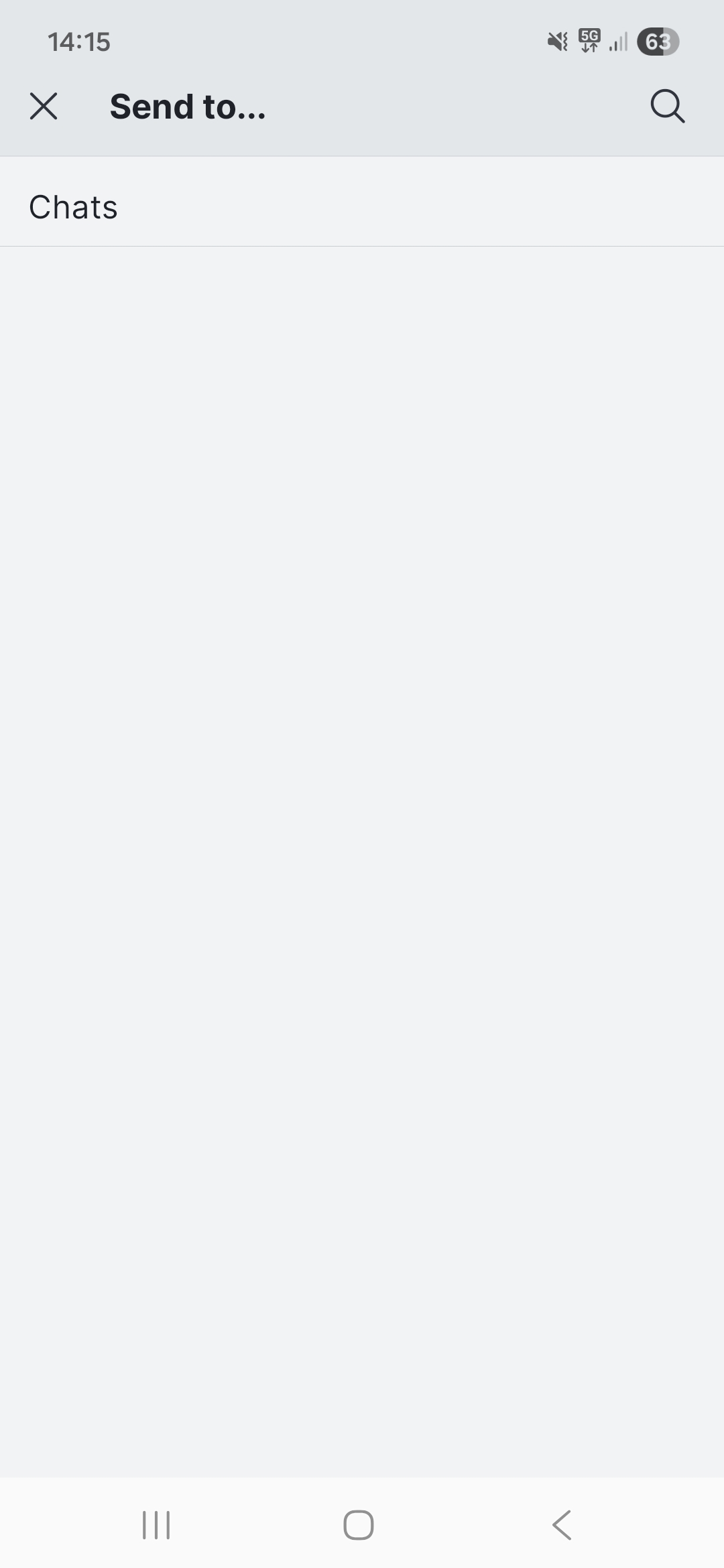

I update rocketchat app on the last version 4.67.0.107743 using play store and still share not working. Also the same problem with experimental verson of app 4.68.0.107761. Any new ideas?
I have just tested sharing on my S23+ using Waterfox, Firefox, Chrome and Samsung browser using both a share in the web page, and the share link in the menu, and all options work sharing to both the experimental and standard app.
I think this is more to do with your browser/OS.
So what browser are you using?
Please post some video of your issue.
(Note my app version 4.68 was a test - normal is 4.67 but that works witu share as well)
not for me  . Could you tell me do I need to enable some option in the administration permissions ?
I have no idea what browser you are using as you haven’t told me despite asking.
In any event this is not an app issue as far as I can tell - I have tested several browsers with different apps and it works without issues - it is your OS/browser and I have no idea about those.
Are you using a hardened version of android or an unusual browser? Clearly these is something you are doing that is different to standard.
You need to give us more information and say screen record it.
Note in your screen shot - you must be a member of channels.
You also need to be logged in to Rocket on the app first before trying send to. If not you will get a blank channel list.
I am using Brave browser but I tri Firefox Google Chrome and Opera to share when I logged in app and I got the same result. Using copy function work but share not as I say. In server console do I need maybe to turn on some option and give some permission ?
I have just upgraded my phone to UI8/Android 16 to test.
Works perfectly.
I have no special settings on my servers and they all work the same way.
Here’s a link to this page I sent via the app to open.rocket just now.
No permissions required.
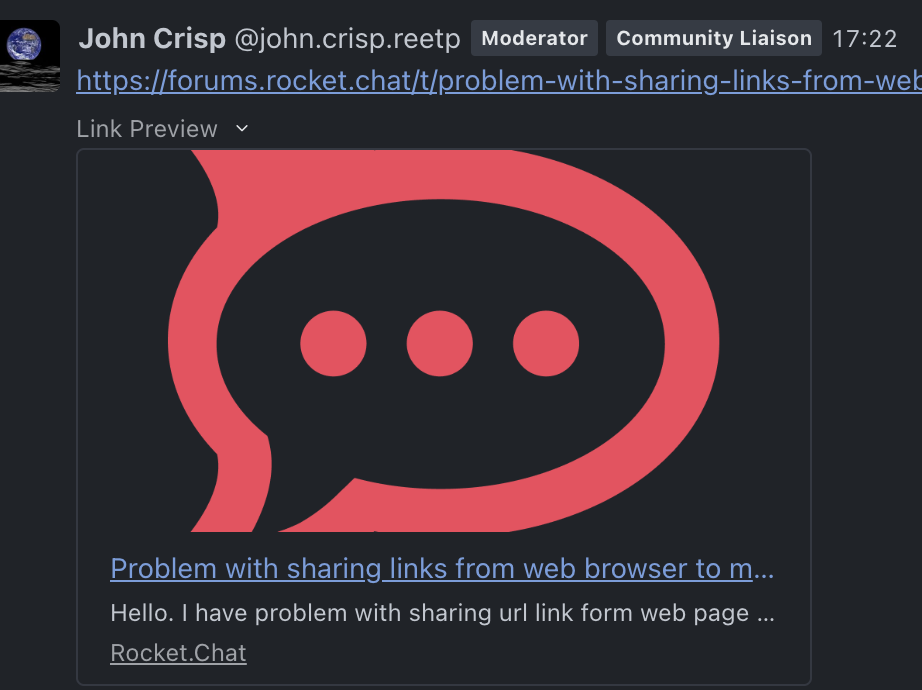
I have just upgraded my phone to UI8/Android 16 to test.
Works perfectly.
I have no special settings on my servers and they all work the same way.
Here’s a link to this page I sent via the app to open.rocket just now.
No permissions required.
This one I sent to #general
This one was sent via Brave to the sandbox channel here:
Two different app versions, same results.
Unfortunately for me not working. How you deploy your server. What method you use?
Docker.
With https, reverse proxy, and file storage.
As per the docs.
If you don’t have that setup you are likely to have problems.
You must not use http/3000.
I use snap maybe this is the problem. One more question do you have guide how to setup rocketchat using docker. I use official guide once and I didn’t able to make it work.
No it won’t be snap itself but the way you have deployed it.
Are you using a reverse proxy and https?
Docker isn’t difficult - the docs do explain it.
Follow ‘Production Deployment.
You don’t need Enabled monitoring etc to get started.
You should use either a stick reverse proxy like apache/nginx or Traefik in docker. Most likely that is your issue - your setup is wrong, not the sharing.
I use nginx as reverse proxy and https
Still think your issues are with your setup, not sharing, which appears to work fine here with two apps, four servers & multiple browsers….
And note despite asking we know almost nothing about your setup.
Nothing else I can do to help.