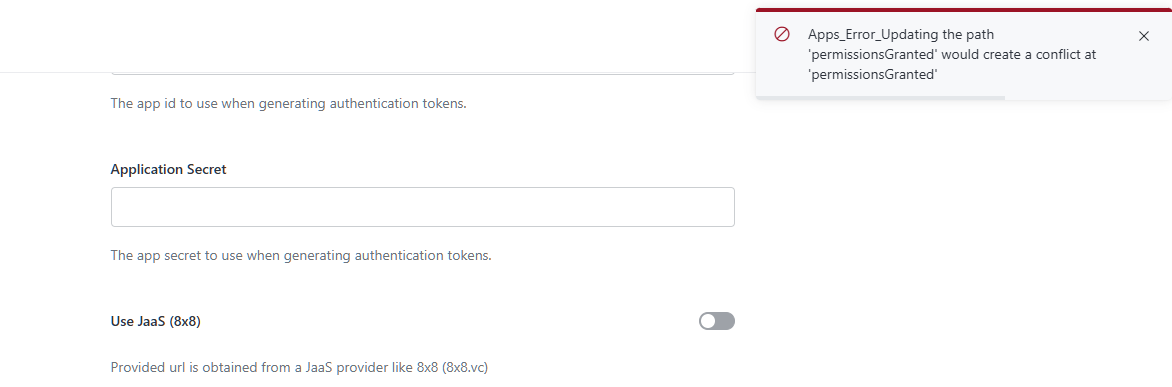
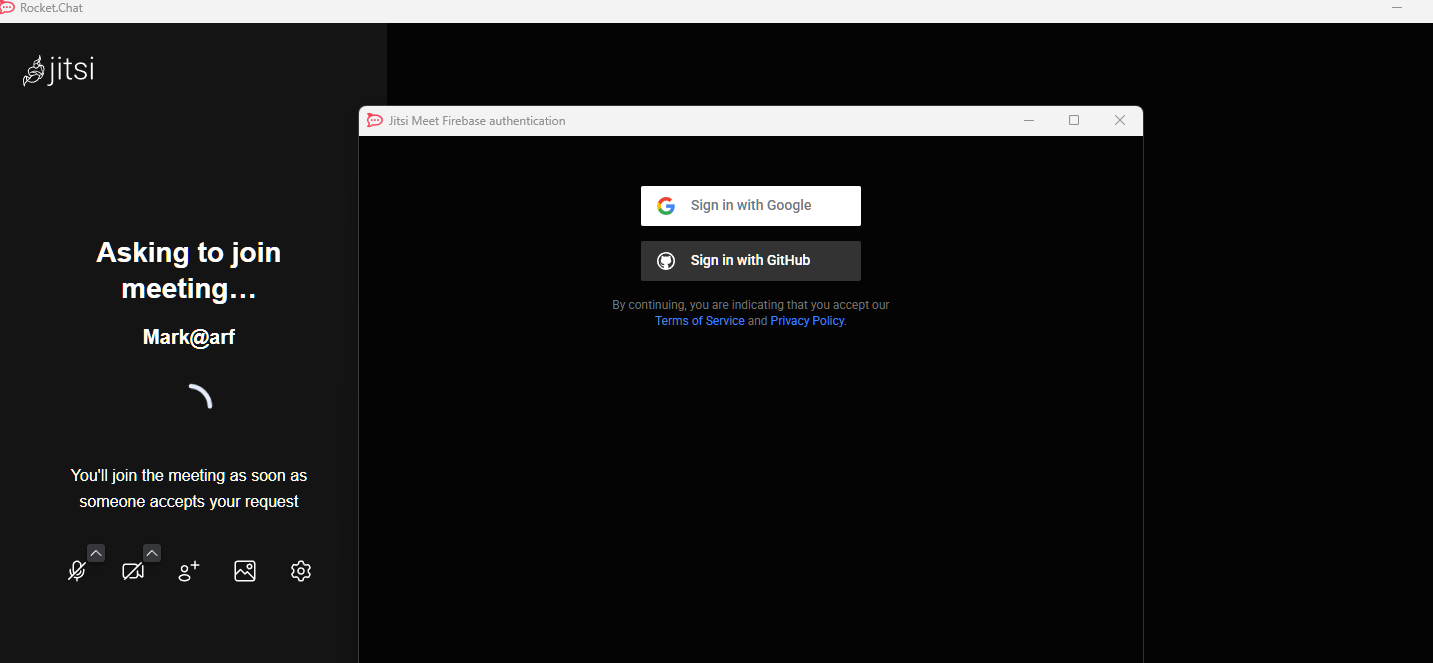
I am trying to install jitsi from the market place and get the following error when saving the settings:
Apps_Error_Updating the path ‘permissionsGranted’ would create a conflict at ‘permissionsGranted’
Thanks reetp, I am quite capable of multi-tasking - these are issue ‘out-of-the-box’. Please don’t waste any of your valuable spare time on this issue. Not sure I should be debugging an app that has been ‘approved by the DoD’.
I don’t work here. So it is my spare time. Don’t shoot the messenger.
Though I don’t work here, I have in the past, know the team well, and if I need help then I have direct access to them. Currently I see no bugs but setup issues but not enough information to understand what you have got wrong, which also means they won’t look at it until there is.
I can multitask quite happily, but when debugging - from decades of experience - it is better to pin down one thing at a time. Remember, you are the one asking for help, not me. Trust my judgement. I’m not asking to waste your time, or mine, but to try and and fix your issue. I’m not in front of your server. So I am blind.
‘Approved by the DoD’ means nothing when it comes to this. If you set it up correctly, it works. Experience tells me your issues are 99.9% likely to be setup. I have a number of working instances myself. They all work without issue with Jitsi both with my own hosted server and Jitsi.meet
If you want help, please keep the attitude to yourself and answer the questions asked. I shouldn’t have to do it more than once. Thanks.
Exactly. Not shooting the messenger. This is the forum that RC offer. I have followed the documentation, sent the screen shots - clearly setting the Jitsi throws an error. What else can I do other than put in my jitsi server for example. Likewise, keep your attitude to yourself.